
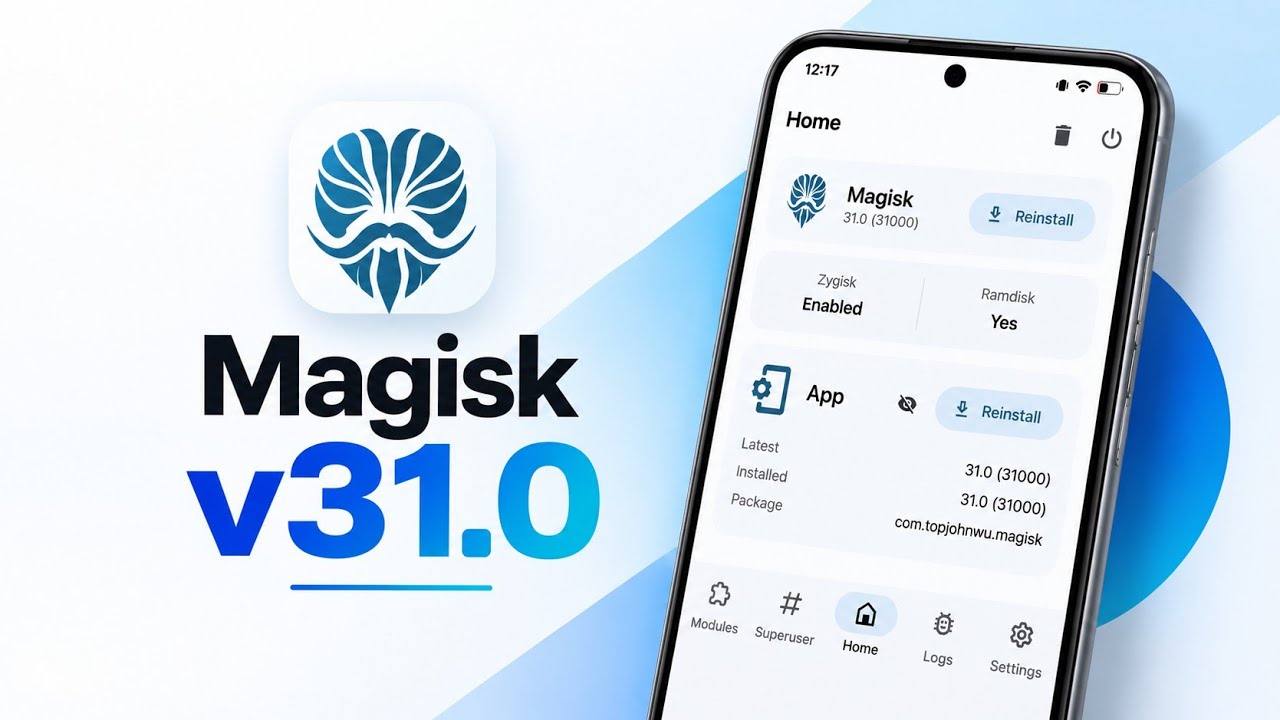
Magisk 31 is more than a routine update to the popular Android root manager. This release introduces one of the biggest changes to the Magisk application in recent years, with the Android application completely rebuilt around a modern architecture.
The release replaces the older XML, View, Fragment, and Databinding-based interface with Jetpack Compose and Material 3. It also introduces a built-in terminal emulator and several core improvements, including Android 17 support in Zygisk.
If you’re currently running Magisk 30.7, upgrading to version 31 gives you a completely redesigned management experience while also allowing you to update the underlying Magisk core through Direct Install.
📺 Watch the Full Video
Watch the complete Magisk 30.7 to 31 upgrade and feature walkthrough:
📥 Download Magisk 31
The official GitHub release page is the recommended source for Magisk. Magisk v31.0 was released on September 4, 2026, and its official changelog confirms the Compose/Material 3 rewrite, built-in terminal, Android 17 API 37 Zygisk support, and other core changes.
🔗 Credits / Official Developer
Official GitHub – topjohnwu/Magisk
Magisk is developed by topjohnwu.
Before You Upgrade
The upgrade demonstrated here starts from a phone running Magisk 30.7, with working root permissions and active modules.
Before making any major root modification, it’s sensible to make sure your device can boot normally and that you have a way to recover if a module causes problems.
The important distinction with this release is that updating the Magisk application doesn’t automatically update the underlying Magisk core.
Install the Magisk 31 APK
Start by opening your file manager and locating the official Magisk 31 APK.
If you already have Magisk installed, you can install version 31 directly over the existing application.
Tap the APK and choose Update when Android asks whether you want to replace the existing installation.
The application update only takes a few seconds.
You can also wait for Magisk’s built-in update notification if it appears on your device.
New Material 3 Interface
Launch Magisk 31 after installation and the visual difference is immediately noticeable.
The application has been completely redesigned using Jetpack Compose and Material 3.
The new interface feels much more consistent with modern Android applications, including smoother navigation, Material components, and system Monet theming.
This isn’t simply a new skin placed over the old interface. The application architecture itself has been rewritten.
Update the Magisk Core
There is an important detail to understand before assuming the upgrade is complete.
The Magisk application can show version 31 while the installed Magisk core still remains on 30.7.
The app and the root environment are separate components.
To upgrade the actual Magisk installation, open the Magisk home screen and tap the Update button on the Magisk card.
You’ll see the changelog and available installation methods.
Because the device is already rooted, choose Direct Install.
Magisk then repacks and flashes the updated binaries directly to the boot partition.
Built-In Terminal Emulator
One of the most visible additions during flashing is the new terminal interface.
Instead of displaying basic text output like older versions, Magisk 31 includes a built-in terminal emulator with TTY and ANSI support.
This allows colored and formatted output to appear directly inside the application’s flashing interface.
Once the installation completes, a reboot option appears at the top-right of the interface.
Tap reboot and allow the phone to restart.
Verify Magisk 31
After the phone boots, open Magisk again.
The application and installed Magisk core should now both report version 31.
The test setup also shows Zygisk active and the ramdisk properly detected.
This is the point where you should verify that root access and your important modules are still working before experimenting with anything else.
Redesigned Modules and Logs
The bottom navigation has also been reorganized.
The Modules section is positioned on the left, while the Logs area has moved toward the right.
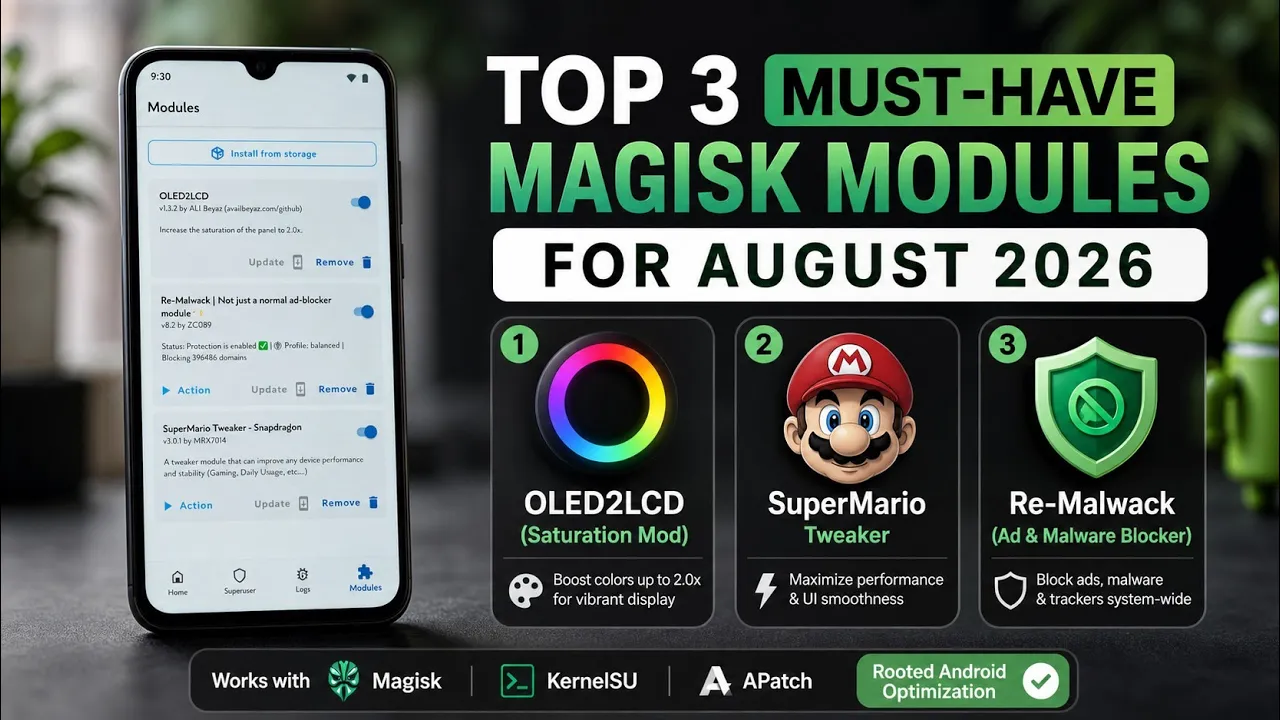
The Modules interface now uses clean Material 3 cards.
Each module provides direct controls, enable/disable toggles, and a remove button.
There’s also a floating action button for installing modules from local storage.
The built-in terminal can display live colored output during module installation.
The Superuser section continues to provide organized root permission management, while Logs now separates Superuser access history from Magisk’s internal system logs.
Magisk 31 Settings
The redesigned Settings page provides several controls.
You can change the application language, configure its color mode, enable DNS over HTTPS, and randomize output filenames.
You can also manage:
- Systemless hosts
- Zygisk
- DenyList
- Biometric authentication
Under the hood, Magisk 31 also adds support for Android 17 API 37, Meta Quest Horizon OS lazy partition zygotes, dynamic zImage payload sizing in MagiskBoot, and DenyList handling for WebView zygotes.
Final Thoughts
Magisk 31 is a substantial release rather than a simple visual refresh.
The complete Material 3 rewrite modernizes the user interface, while the new terminal emulator makes module flashing and action-script output significantly easier to follow.
At the same time, the underlying project gains additional compatibility and boot-image improvements.
If you’re still running Magisk 30.7, version 31 is a major upgrade worth considering. Just remember that updating the Magisk APK and updating the Magisk core are separate steps.
For rooted Android users, this release represents one of the most noticeable changes to the Magisk experience in a long time.

Discussion (0)
Post a Comment
No comments yet. Be the first to share your thoughts!