
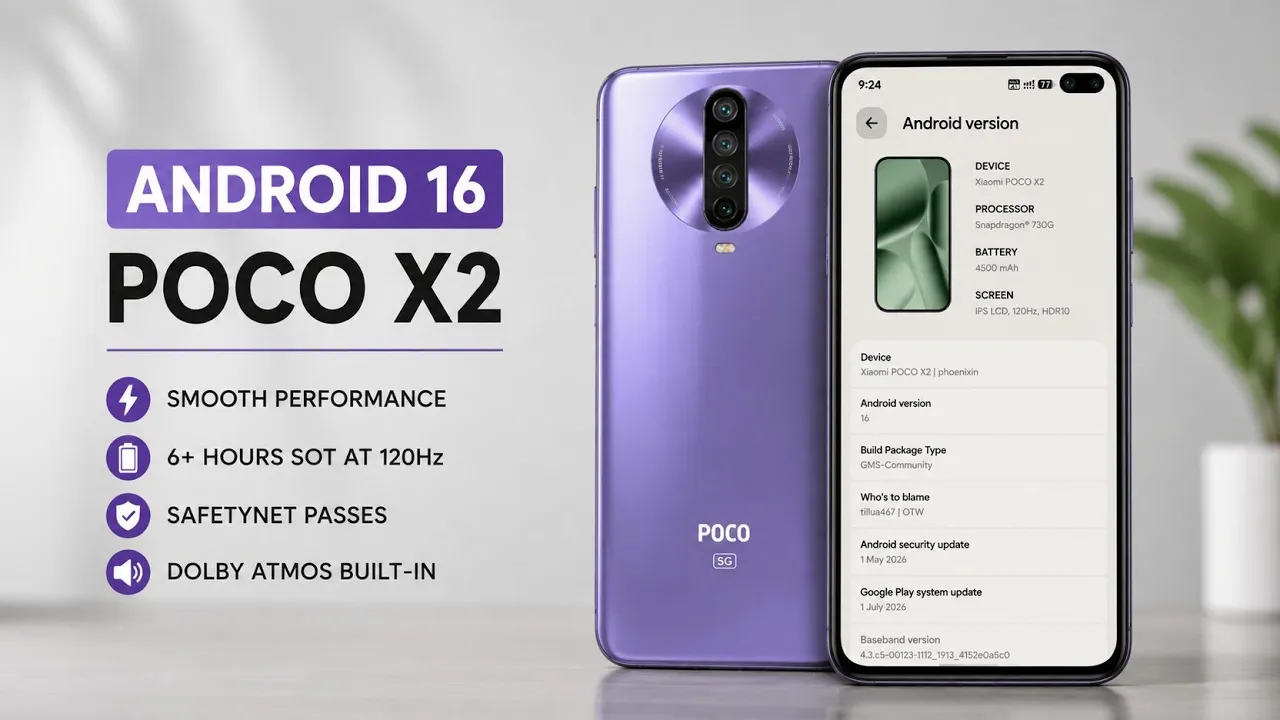
The Poco X2/Redmi K30 is several years old, but custom ROM development continues to give devices like this a second life.
For this video, I installed and tested LunarisAOSP 3.10 on the Poco X2/Redmi K30.
Unlike the other articles in this series, this particular test was performed on a different device and software configuration.
My Testing Setup
Device: Poco X2/Redmi K30
ROM: LunarisAOSP custom ROM environment
Android: Android 14
The and installation process for the Poco X2/Redmi K30 platform.LunarisAOSP video itself focuses on the ROM experience
Watch the Full Review
What Is LunarisAOSP?
LunarisAOSP is an Android custom ROM project based on the Android Open Source Project.
The attraction of an AOSP-based ROM is that it can provide a relatively clean Android experience while allowing developers to add device-specific improvements and customization.
Custom ROMs can also extend the usable life of phones that no longer receive official Android updates.
Why Install a Custom ROM?
There are several reasons enthusiasts install custom ROMs.
One is software longevity.
A device may stop receiving official Android updates from its manufacturer while community developers continue producing newer Android builds.
Another reason is customization.
Custom ROMs can provide additional settings, customization options and performance controls that aren't available in the manufacturer's software.
However, installing a custom ROM also comes with responsibilities.
You need to understand bootloader unlocking, recovery, firmware compatibility and the possibility of data loss.
Installation Resources
For this video, the installation guide is available here:
The ROM files supplied for this setup include separate GApps and Vanilla builds.
These are the links provided for this video.
GApps vs Vanilla
The GApps build includes Google's application framework and services.
The Vanilla build does not include Google's proprietary services.
The choice depends on how you intend to use the phone.
If you rely on Google Play and Google's ecosystem, the GApps version is generally the more convenient option.
If you prefer a minimal installation or intend to use alternative application sources, the Vanilla build may be more appropriate.
Performance and Benchmarks
The video includes performance observations and benchmarking, but benchmark numbers should always be interpreted in context.
Performance can change depending on temperature, background processes, kernel configuration, storage condition and installed applications.
A benchmark is therefore useful as a reference point, not proof that a ROM is universally faster.
The same ROM can also behave differently after additional applications and services are installed.
Custom ROM Risks
Installing a custom ROM can erase user data and may require unlocking the bootloader.
Depending on the device, an incorrect firmware or recovery combination can result in boot failures.
Before beginning, make sure important data is backed up.
You should also verify that the ROM is intended for your exact device variant.
Never flash a build simply because the device name appears similar.
Final Verdict
LunarisAOSP 3.10 is an example of why custom ROM development remains valuable for older Android hardware.
The Poco X2 is no longer a modern flagship, but custom software can give enthusiasts another reason to continue using it.
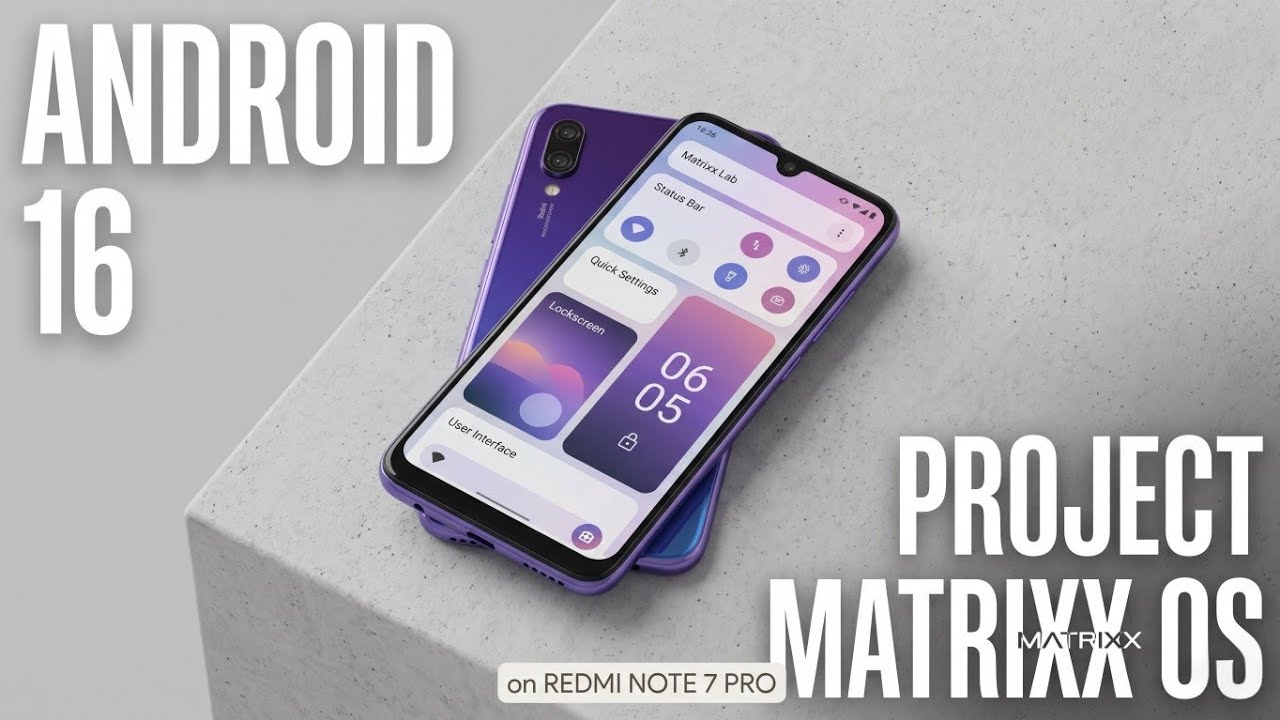
My testing environment for this particular video differs from the rest of the series, so the results should not be compared directly with my Redmi Note 7 Pro/MatrixxOS testing.
If you're interested in installing LunarisAOSP on the Poco X2/Redmi K30, start with the installation guide and verify device-specific requirements before flashing anything

Discussion (0)
Post a Comment
No comments yet. Be the first to share your thoughts!