
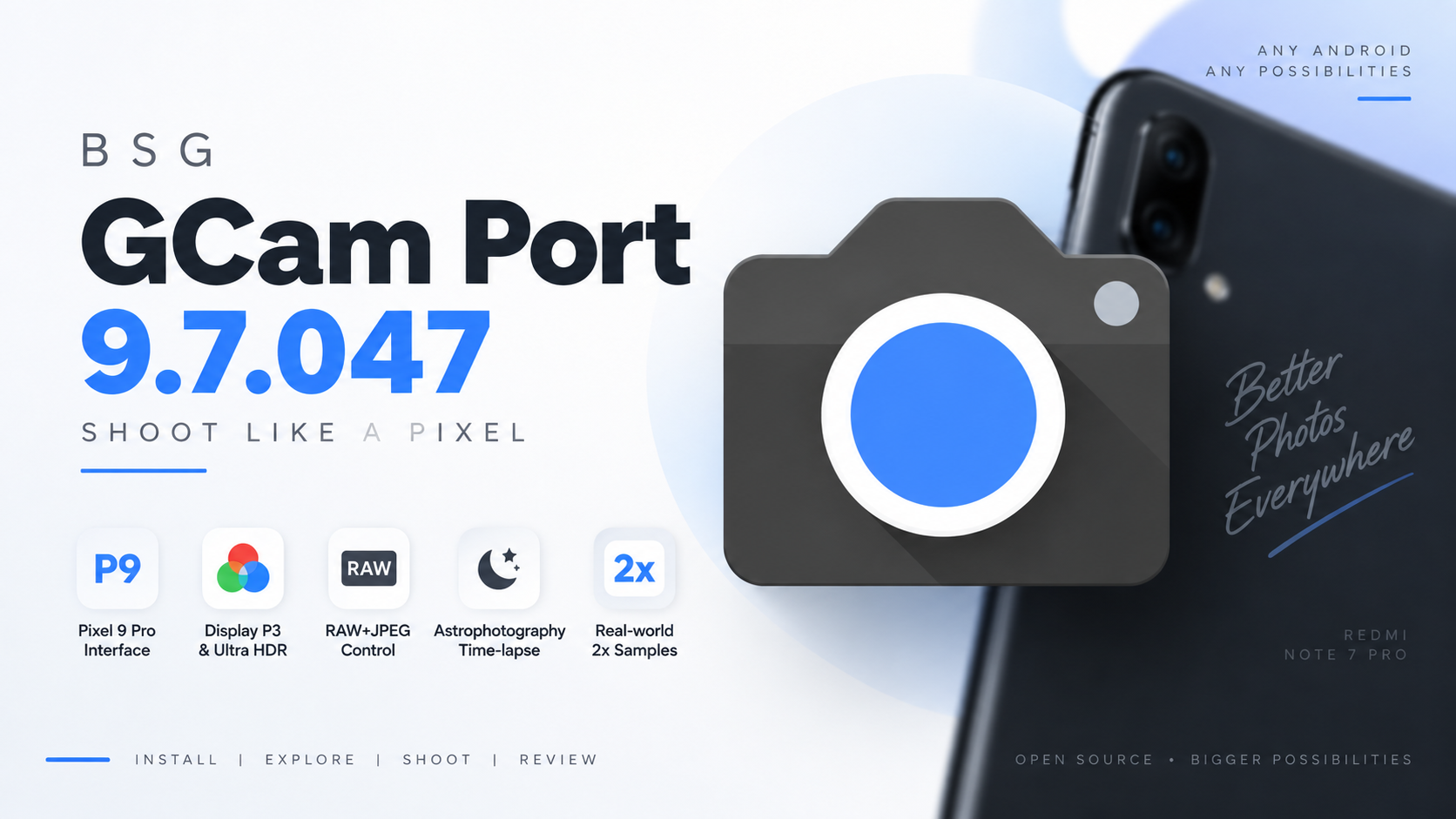
For years, Google Camera ports have been one of the easiest ways to improve photography on Android phones that don’t ship with Google’s camera software. Between 2018 and 2024, new GCam ports appeared constantly, giving users access to Google’s computational photography features on a wide range of devices.
The latest BSG GCam 9.7.047 continues that tradition with a large collection of configuration and processing options. Instead of requiring root or a custom recovery, the port can be installed as a standalone APK on compatible hardware.
In this guide, we’ll look at the installation process, interface options, advanced camera controls, supported Pixel-style profiles, and real-world results from the Redmi Note 7 Pro.
📺 Watch the Full Video
Watch the complete BSG GCam 9.7.047 walkthrough and camera test:
📥 Download BSG GCam 9.7.047
The exact download link should be replaced with the package used for your video. No third-party download source has been added here because it was not provided in the source material.
🔗 Credits / Official Developer
BSG GCam Port Developer: BSG
What Is BSG GCam 9.7.047?
BSG GCam is a modified version of Google’s Camera application adapted to work on Android devices outside Google’s own Pixel lineup.
The main attraction is Google’s computational photography approach. Depending on the device and configuration, GCam ports can provide different image processing characteristics compared with the camera application supplied by the phone manufacturer.
Version 9.7.047 also includes an extensive settings interface that lets users customize the camera according to their hardware and preferred shooting style.
Install BSG GCam 9.7.047
One of the biggest advantages of this port is that the installation doesn’t require root access or a custom recovery.
First, download the BSG GCam 9.7.047 APK and place it in your phone’s Downloads folder.
Open your file manager and locate the APK.
Tap the package and follow Android’s installation prompts. If your device asks for permission to install applications from the current source, allow it and continue.
After installation, open the application and grant the required camera and storage permissions.
The application can then perform its image processing normally on supported hardware.
Pixel Device Profiles
One of the most interesting parts of BSG GCam is the Interface selection section.
The application allows you to emulate different Google Pixel models, ranging from older devices such as the Pixel 3 to newer models including the Pixel 7 Pro, Pixel 8 series, Pixel 9, Pixel 9 Pro XL, and Pixel 9 Pro Fold.
These profiles can influence the way the port applies hardware-specific tuning to the camera sensor.
This is particularly useful when you’re trying to find a configuration that works best with your particular phone’s camera hardware.
However, selecting a newer Pixel profile doesn’t physically transform your phone into that Pixel model. The available results still depend heavily on your phone’s camera sensor, drivers, Android version, and the configuration being used.
General Camera Settings
The general preferences contain several practical options.
You can enable location tagging for photographs, turn on framing hints, use camera scan suggestions for faster QR-code detection, and enable Guided Frame accessibility cues.
These features aren’t necessarily about improving image quality, but they make the camera more useful for everyday photography.
Advanced Camera Controls
The Advanced settings section is where BSG GCam becomes considerably more interesting.
You can enable or disable HDR+, experiment with HDRnet for faster zero-shutter-lag captures, and independently control RAW and JPEG shooting.
The port also includes support for:
- Social media depth maps
- Astrophotography time-lapses
- Display P3 wide-color capture
- Ultra HDR
- Multiple photo resolutions
- Electronic stabilization
- Optical stabilization
- Custom configuration XML files
- Custom imaging libraries
The ability to load XML configurations is particularly useful for experienced GCam users because different configurations can be tuned for specific phones, sensors, or photography preferences.
You can also adjust image processing characteristics such as sharpening and color balance through supported custom libraries.
Real-World Camera Test
To see how the port performs outside the settings menu, the camera was tested on a Redmi Note 7 Pro.
The sample photographs were captured using the 2x digital crop.
The resulting images showed detailed textures, reasonably crisp edges, and natural-looking colors without obvious oversaturation or excessive processing artifacts.
Of course, camera results can vary significantly between devices. A configuration that performs well on the Redmi Note 7 Pro may not produce identical results on another smartphone.
Compatibility and Important Notes
GCam ports aren’t universally compatible with every Android phone.
Even though the application can be installed without root, successful operation depends on the device’s camera implementation, Camera2 support, Android version, available camera APIs, and the specific BSG build.
Some advanced features may also behave differently depending on the hardware.
If the application crashes, produces black previews, or certain camera modes don’t work correctly, try a different supported configuration rather than assuming the hardware is defective.
Final Thoughts
BSG GCam 9.7.047 shows that the GCam modding community is still finding ways to bring advanced Google Camera-style processing to devices outside the Pixel ecosystem.
The port combines Pixel-inspired device profiles with HDR controls, RAW and JPEG options, Ultra HDR, astrophotography features, stabilization controls, XML configuration support, and custom imaging libraries.
For users with compatible hardware, it provides a surprisingly deep camera experience without requiring root or a custom recovery.
If you’re using an older Android phone such as the Redmi Note 7 Pro, experimenting with a modern GCam port can also be an interesting way to get more life out of its camera hardware.
Discussion (0)
Post a Comment
No comments yet. Be the first to share your thoughts!