

Welcome to Techynoob! For Android enthusiasts and power users, the quest for the perfect smartphone experience is a never-ending journey. We are constantly looking for innovative ways to push our devices beyond their factory limitations, optimize system resources, and tailor the user interface to our exact preferences. Whether your goal is to extract every possible frame per second for intense mobile gaming, completely revamp your daily user interface to resemble a desktop environment, or simply build a failsafe environment to protect your system from unexpected errors, the developer community has you covered.
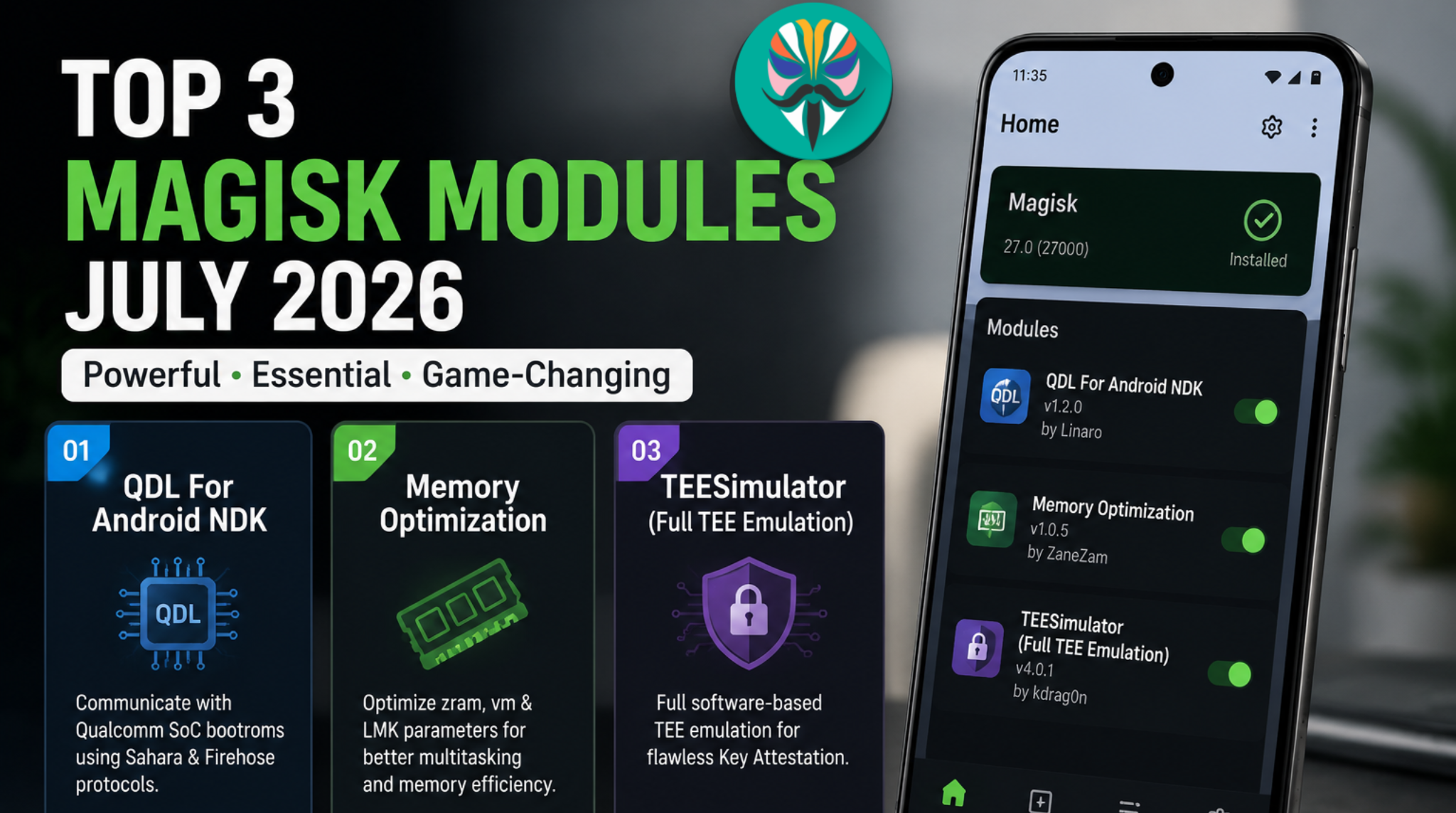
In this comprehensive guide, we are diving deep into the top three essential Magisk modules that are dominating the scene in June 2026. These carefully selected modifications offer an incredible balance of performance enhancements, visual depth, and critical system stability. Let's explore the ultimate system-level setup that every power user should consider integrating into their device this month.
Watch the full tutorial here on my Youtube channel:
1. Encore Tweaks: The Intelligent Performance Engine
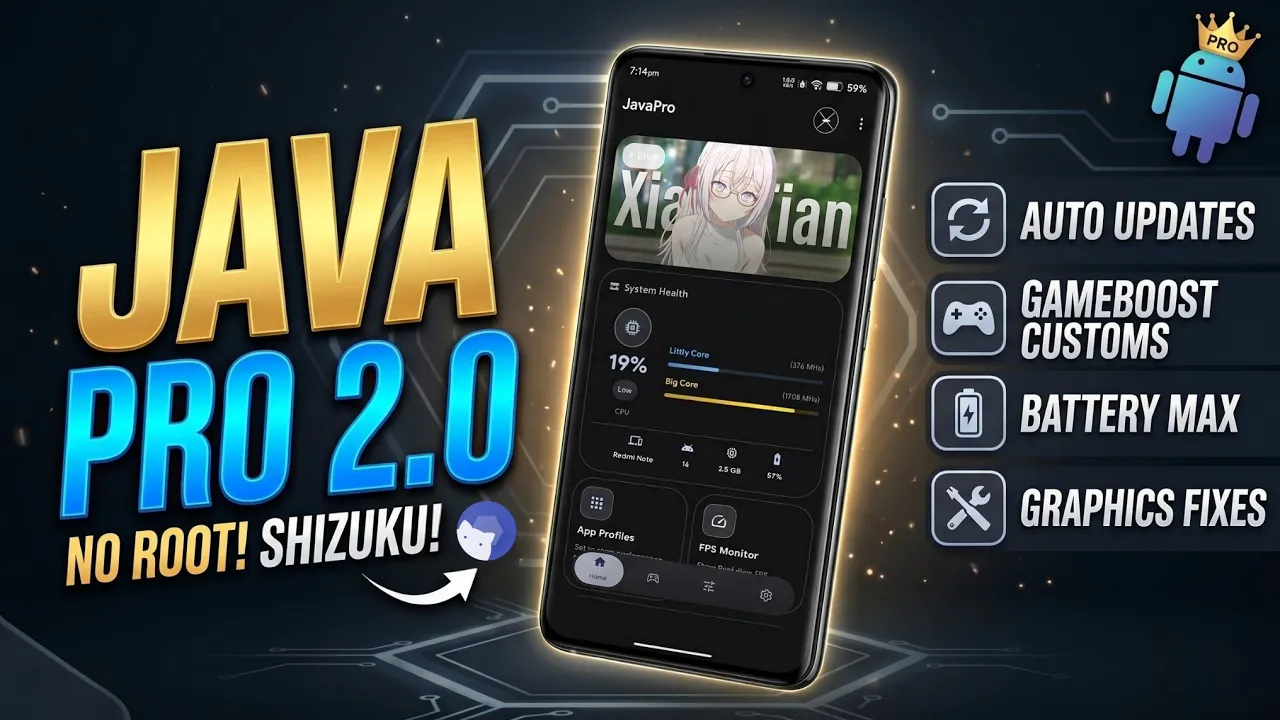
For mobile gamers and multitasking enthusiasts, system performance is everything. However, pushing your device to its limits often comes at the severe cost of battery life and thermal throttling. Enter Encore Tweaks, a dynamic module engineered to bridge the gap between raw power and daily usability. This modification acts as an intelligent performance engine running seamlessly in the background.
When you launch a demanding application or game, Encore Tweaks immediately optimizes your system resources, adjusting CPU and GPU parameters to maximize your frame rates and ensure buttery-smooth gameplay. But what makes it truly stand out is its ability to recognize when you transition back to everyday tasks like browsing the web or checking emails. It instantly scales back power consumption, preserving your battery life without requiring manual intervention.
Furthermore, Encore Tweaks embraces modern convenience by featuring a fully functional Web User Interface dashboard. If you are utilizing modern system environments like KernelSU, you can access this dashboard directly from your browser to easily toggle performance profiles, monitor system metrics, and fine-tune your device's behavior on the fly. It is an absolute must-have for users who demand peak performance without sacrificing all-day longevity.
2. Plasma Experience: Desktop-Class UI Customization
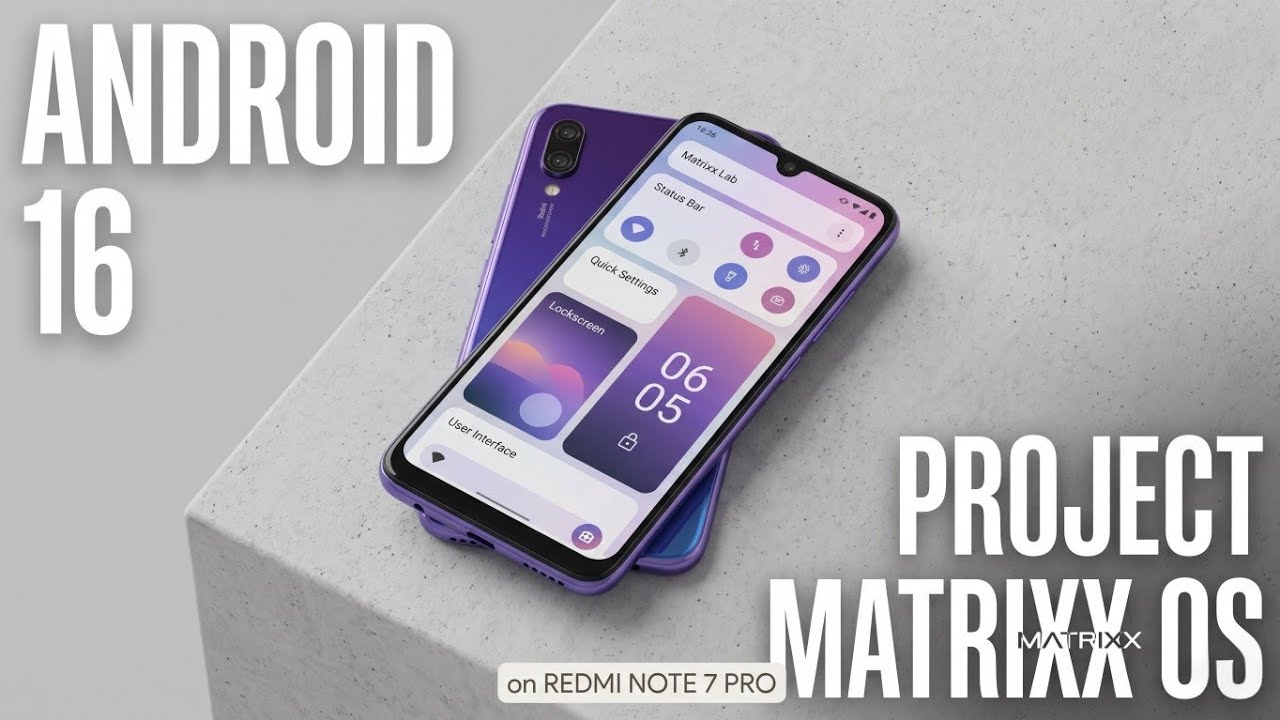
Android is celebrated for its flexibility, and the Plasma Experience module takes visual customization to an entirely new level. Specifically designed for devices running Pixel firmware or AOSP-based custom ROMs, this modification completely transforms your standard interface by introducing KDE-style touch elements and deep, system-wide aesthetic changes.
Installing the Plasma Experience is like giving your smartphone a desktop-class makeover. It replaces standard system menus, notification shades, and navigation elements with highly refined, modernized alternatives. If you are tired of the stock look and want a more sophisticated, unified design language across your entire operating system, this tool is the perfect solution.
A Quick Tip on File Integrity: When downloading robust UI modification tools like Plasma Experience, always ensure you are sourcing your files directly from official, verified repositories. Large customization modules can sometimes encounter corrupted downloads due to network interruptions. If you ever experience a sudden script abort or installation failure within your module manager, it is highly likely that the zip file is simply incomplete. Delete the corrupted file, download a fresh copy from the developer's official page, and try the installation process again to ensure a clean, stable setup.
3. AshReXcue: Advanced Failsafe and System Protection
Every power user knows the anxiety of applying a new, untested modification, only to be greeted by a device that refuses to boot past the manufacturer logo. System bootloops are the bane of device customization, but the AshReXcue module—formerly known in the community as AshLooper—completely eliminates this risk.
AshReXcue is a sophisticated, open-source boot protection framework designed to act as your ultimate safety net. It is compatible with a wide variety of environments, including Magisk, KernelSU, APatch, and their respective forks. What separates AshReXcue from older, rudimentary protectors is its utilization of "Smart Differential Analysis." Instead of blindly disabling all of your installed modules the moment a boot sequence fails, this intelligent tool actively isolates and targets only the specific problematic module that is causing the error.
This means you no longer have to rebuild your entire setup from scratch after a single bad installation. To make things even better, AshReXcue hosts a completely localized WebUI Dashboard. Without needing any external dependencies, cloud logins, or complicated terminal commands, you can securely access this dashboard to review detailed boot logs, manage your protection parameters, and configure system behaviors right from your device.
Wrapping Up
Optimizing your Android device is all about finding the right balance of tools that enhance your experience without compromising system integrity. For June 2026, combining the dynamic resource management of Encore Tweaks, the stunning visual overhaul of the Plasma Experience, and the bulletproof safety net of AshReXcue creates an unparalleled smartphone environment. These three modules highlight the incredible innovation still happening within the Android development community.
By integrating these utilities, you are essentially unlocking the true potential of your hardware while maintaining a beautiful, stable, and protected operating system.
We would love to hear about your current system configuration! Which of these modules are you planning to install on your device first? Are you prioritizing gaming performance, aesthetic customization, or system safety? Drop a comment below and share your thoughts with the Techynoob community. Happy optimizing!
Subscribe to my Youtube channel for daily android tips tricks and tutorials: TechyNoob

Discussion (0)
Post a Comment
No comments yet. Be the first to share your thoughts!