
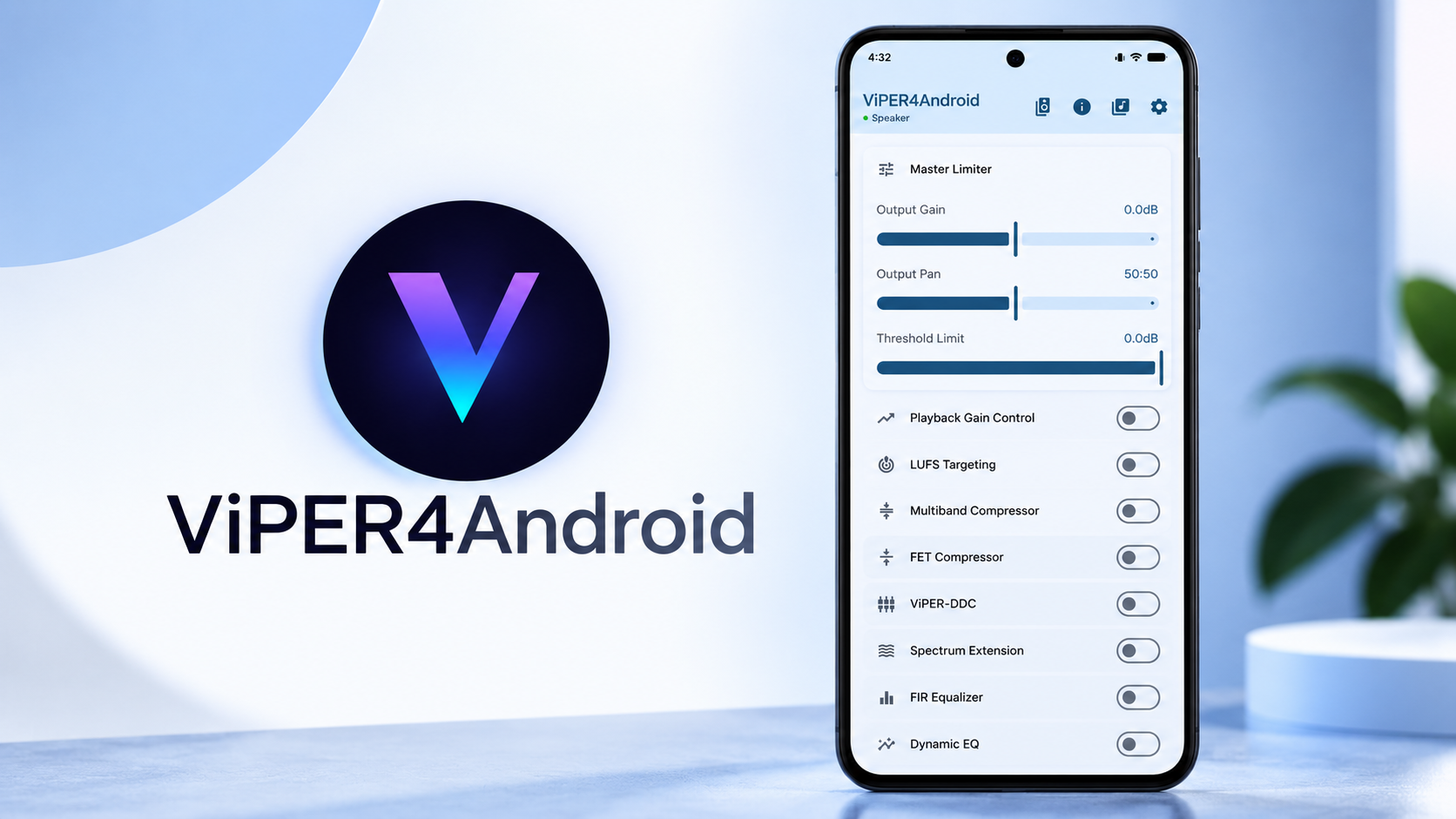
ViPER4Android has been one of the most recognizable Android audio modification projects for years. Its DSP engine gives rooted users detailed control over sound processing, including equalization, bass enhancement, clarity, surround effects, and impulse-response processing.
Getting older ViPER4Android builds working on newer Android releases can be difficult because Android’s audio architecture has evolved considerably.
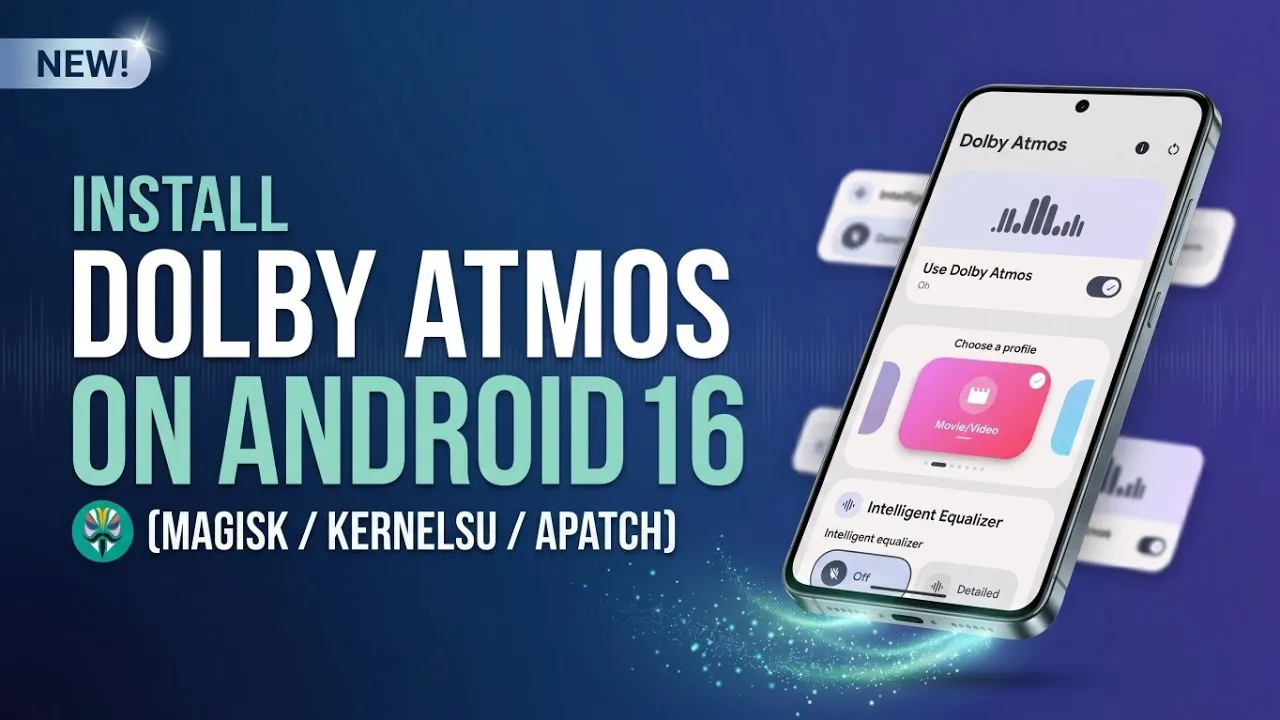
The modern Material 3 ViPER4Android setup combines the familiar DSP engine with a redesigned interface and support for modern audio-driver configurations.
📺 Watch the Full Video
Watch the complete ViPER4Android Android 16/17 installation and configuration walkthrough:
📥 Download ViPER4Android
Download ViPER4Android Material 3
Download ViPERFX_RE AIDLDriver
Download ViPERFX_RE NON-AIDL Driver
The Material 3 application repository provides the redesigned ViPER4Android interface, while ViPERFX_RE is the underlying reverse-engineering project used for the driver side.
🔗 Credits / Official Developer
ViPER4Android Material 3: Official GitHub
ViPERFX_RE: AndroidAudioMods/ViPERFX_RE
The ViPERFX_RE project credits the original ViPER4Android creators and contributors while focusing on reverse engineering and modernization of the audio engine.
What You Need
Before beginning, prepare two files:
- The latest compatible ViPER4Android Material 3 APK
- The ViPERFX_RE driver module
Both need to be available on your internal storage.
The application provides the user interface, while the driver module is responsible for integrating the ViPER audio-processing engine into the Android audio system.
AIDL vs Non-AIDL Driver
This is the most important part of the installation.
There are two driver variants:
Non-AIDL
This is the older implementation based on the classic C audio-effect plugin interface and legacy HIDL architecture.
AIDL
This is the newer implementation designed for modern Android audio architecture.
Starting with newer Android releases, the legacy effect-plugin loading path is no longer suitable for modern devices. Therefore, if you’re running Android 16, the AIDL variant is the appropriate choice for the setup described here.
Open Magisk and go to Modules → Install from storage.
Select the downloaded AIDL ViPERFX_RE ZIP.
Allow the installation script to patch the necessary audio configuration files.
Wait for the installation to finish without interrupting it.
Reboot After Flashing
Once the module has finished installing, tap the reboot option.
The reboot is necessary because the new audio driver needs to be initialized as part of the Android audio environment.
Allow the phone to boot completely before opening ViPER4Android.
Verify the Driver
After Android starts, open Magisk again.
Go to the Modules section.
Look for the ViPERFX module and confirm that it is enabled and running.
If the module is disabled or another audio modification is conflicting with it, the ViPER4Android application may not be able to communicate with the driver correctly.
Checking this before installing or configuring the application helps identify problems early.
Install the ViPER4Android App
Now locate the ViPER4Android Material 3 APK in your file manager.
Tap the APK and allow the package installer to proceed.
Complete the installation and launch the application.
The redesigned interface uses Material 3, with dynamic system colors, modern cards, switches, and separate profiles for different audio outputs.
The project itself lists support for both AIDL and legacy HAL configurations, profile management, presets, global/per-app modes, and an integrated log viewer.
Explore the DSP Controls
Once the driver is active, the actual ViPER4Android audio engine becomes available.
You can enable master processing and adjust playback gain control.
The graphic equalizer provides detailed frequency adjustment, while ViPER Bass lets you increase low-frequency presence.
You can also enable ViPER Clarity to enhance vocals and high-frequency details.
For a wider soundstage, Field Surround provides surround-style processing.
The application also supports Convolver, allowing compatible impulse-response files to be loaded for custom sound profiles.
The official Material 3 project lists a much larger set of processing options, including multiband compression, dynamic EQ, ViPER Bass, ViPER Clarity, stereo imaging, headphone surround, reverberation, speaker optimization, and impulse-response processing.
Speaker, Headphone and Bluetooth Profiles
Another useful part of the new interface is the ability to separate profiles according to the audio output.
You can configure different processing for:
- Built-in speakers
- Wired headphones
- Bluetooth audio
This means you don’t necessarily have to use the same EQ or bass settings for every device.
For example, a profile optimized for the phone’s internal speaker may not be appropriate for headphones.
Android 16 and 17 Considerations
Modern Android versions have changed the way audio effects are loaded and managed.
That is why using the correct driver architecture is important.
If you’re running a newer Android build and use an incompatible legacy driver, the application may fail to detect the driver or audio processing may not work correctly.
The official ViPER4Android project also notes that some advanced functions can require root access, particularly features involving AIDL setup, per-app audio session handling, Convolver file access, and diagnostic logging.
Troubleshooting
If ViPER4Android reports that the driver isn’t available, first check that the correct AIDL module was installed.
Then open Magisk and verify that the module is enabled.
Also check whether another audio modification is attempting to control the same audio effects.
If problems continue, check the application’s diagnostic information and logs before reinstalling everything.
Avoid stacking multiple audio-effect modules without knowing how they interact, as competing audio engines can produce unexpected results.
Final Thoughts
ViPER4Android remains one of the most powerful options for rooted Android users who want detailed control over their phone’s audio.
The modern Material 3 application gives the project a much cleaner interface, while the underlying DSP engine still provides extensive control over equalization, bass, clarity, surround processing, and custom impulse responses.
For Android 16 users, choosing the correct AIDL driver is especially important.
With the driver installed correctly and the application configured properly, you can build separate audio profiles for your phone speaker, wired headphones, and Bluetooth accessories and tune each one according to your preference.
As always with root-level audio modifications, compatibility depends on the device, Android build, audio stack, and other installed modules, so test changes one at a time.
Discussion (0)
Post a Comment
No comments yet. Be the first to share your thoughts!