
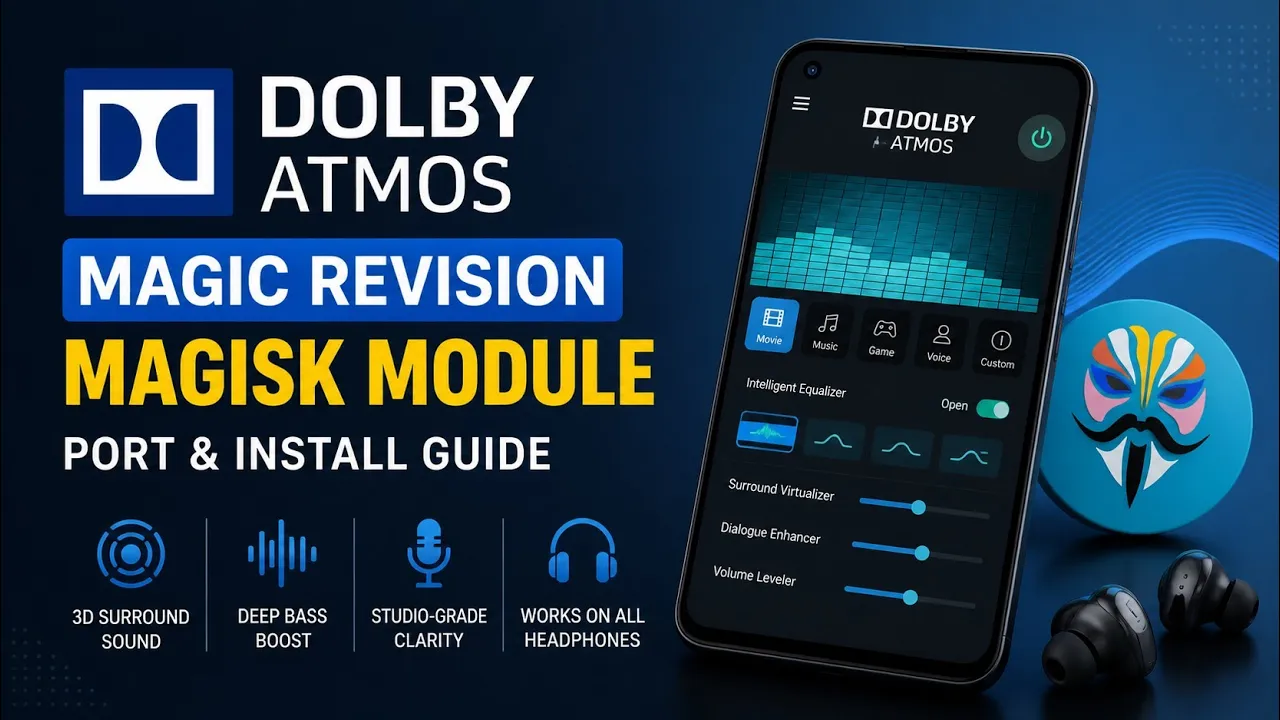
Audio customization is one of the most popular reasons Android enthusiasts modify their devices.
Dolby Atmos is particularly well known because it can provide additional audio processing and tuning options compared with a device's standard audio configuration.
This guide covers installing the Dolby Atmos modification featured in my video using common Android root environments.
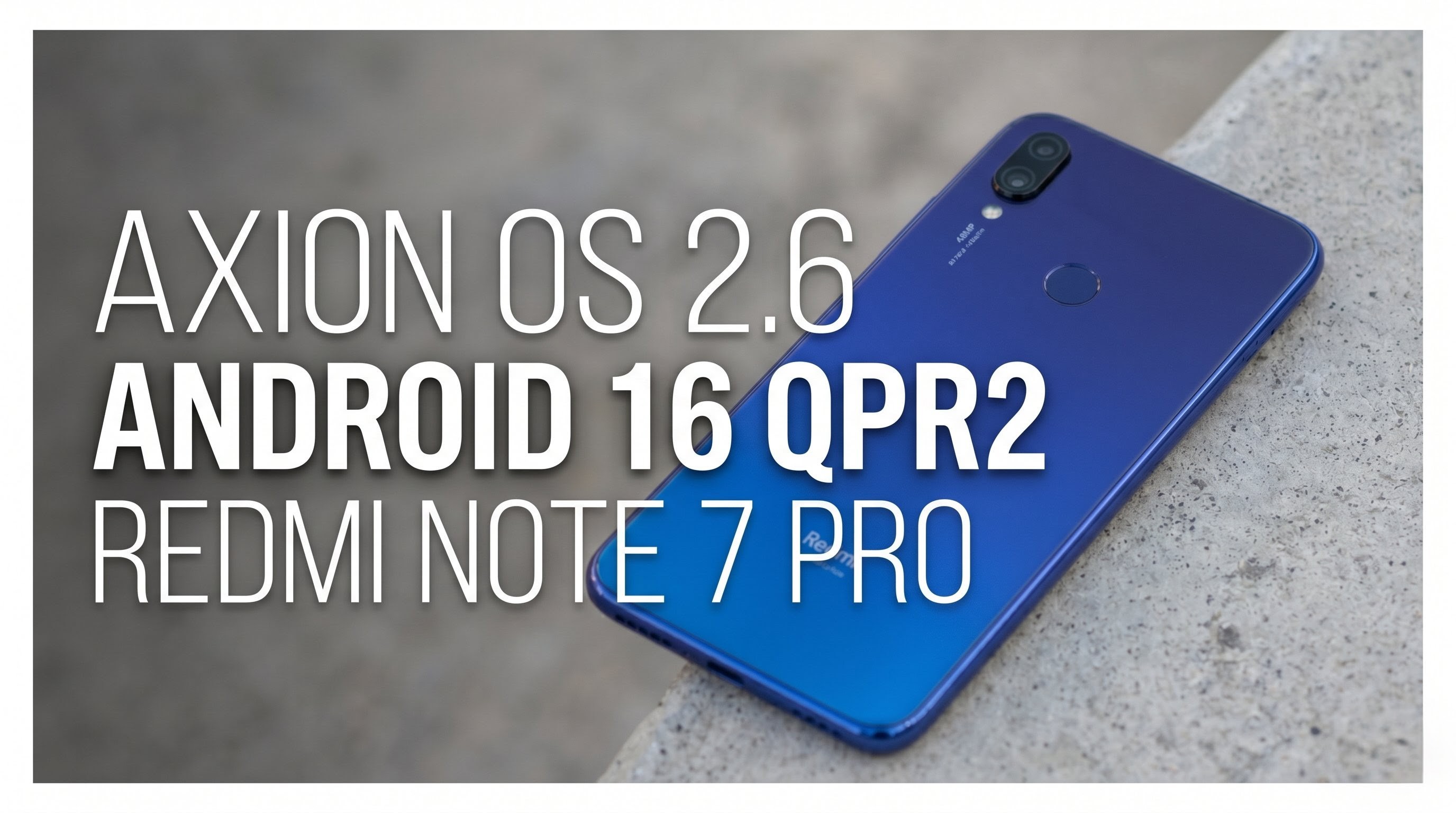
I tested the setup on my Redmi Note 7 Pro running MatrixxOS based on Android 16 QPR2.
Watch the Video
What Is Dolby Atmos?
Dolby Atmos is a surround-sound technology and audio-processing platform. On Android, modified Dolby components are commonly used by enthusiasts to change audio processing and provide additional controls.
The exact functionality depends on the implementation and the device's audio stack.
A third-party Dolby modification should therefore not be treated as identical to an officially integrated Dolby Atmos implementation.
My Testing Setup
Device: Redmi Note 7 Pro
ROM: MatrixxOS
Android: Android 16 QPR2
Root environment: Magisk/KernelSU/APatch-compatible setup
Download
The Dolby package featured in the video is available here:
The video description also includes ALM:
Credit: Android Ryuki Mods —official Telegram channel
Installation
The installation method depends on the package and the root environment you're using.
Before flashing any audio modification, make a backup of your current setup.
Audio modules can interact with system audio libraries, effects and vendor components. Installing incompatible modifications can result in audio problems or boot issues.
Use the installation method demonstrated in the video and verify that the package is intended for your Android version.
Why Root Is Required
System-level audio modifications often need access to Android's protected system components.
This is where Magisk, KernelSU or APatch can provide the required privileges.
However, root access also means that an incorrectly designed module can make deeper system changes than a normal application.
Always keep a way to disable or remove a problematic module.
Does Dolby Atmos Improve Every Speaker?
Not necessarily.
Audio quality is affected by the phone's speaker hardware, amplifier, DAC, headphones, audio source and software processing.
A software effect cannot turn a small smartphone speaker into a dedicated high-end speaker system.
What it can do is alter processing characteristics such as equalization, spatial effects or other supported audio parameters.
Whether you prefer the result is also subjective.
Compatibility
Audio modifications are highly dependent on the device's audio implementation.
A package that works on one custom ROM may behave differently on another.
Android 16 also introduces changes compared with older Android versions, so old audio modules shouldn't be installed blindly.
Security and Backup Advice
Before installing a root audio module:
- Make a backup.
- Check the Android version.
- Confirm the root manager you are using.
- Keep the original audio configuration available.
- Install one major audio modification at a time.
Running multiple audio-processing modules simultaneously can create conflicts.
My Experience
On my Redmi Note 7 Pro with MatrixxOS and Android 16 QPR2, the interesting part of this modification is the additional control over the Android audio pipeline.
The actual result should still be judged using your own headphones or speakers and your preferred music.
There is no universal setting that sounds best for every listener.
Final Verdict
Dolby Atmos modifications remain interesting for rooted Android users who want to experiment with audio processing.
The important thing is to approach them as system modifications, not ordinary APK installations.
Use the package provided with the video, make a backup and verify compatibility before flashing.
Dolby:Download
ALM:Download
Credits:Android Ryuki Mods

Discussion (0)
Post a Comment
No comments yet. Be the first to share your thoughts!