
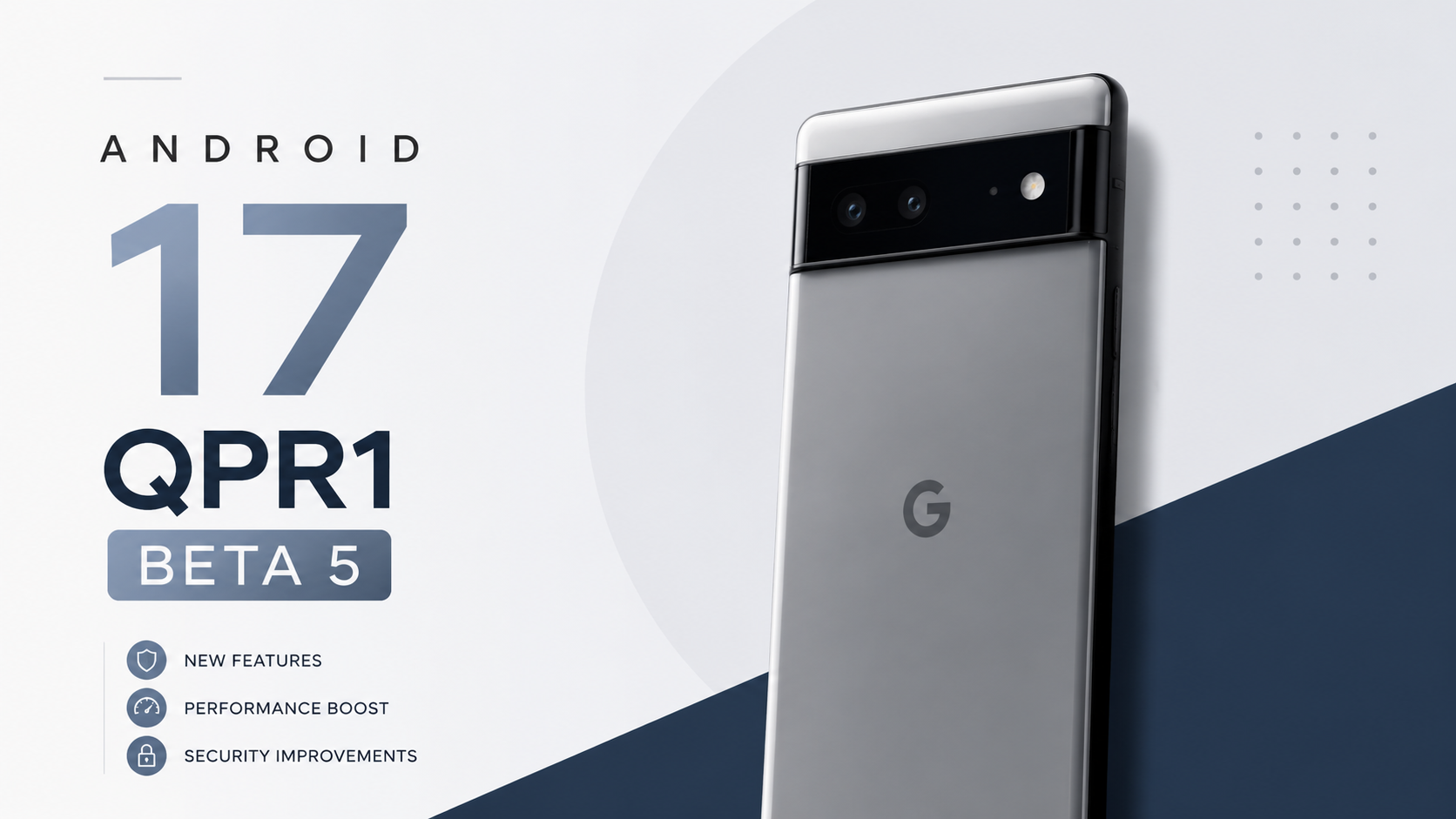
Welcome back to another update breakdown here on Techynoob! If you’ve been following the Android 17 beta cycle, you know it’s been a bit of a rollercoaster. But Google has just rolled out Android 17 QPR1 Beta 5 (Build CP31.260608.007) for registered Pixel devices, and it brings some serious polish to the ecosystem. Coming exactly two weeks after Beta 4, this update is essentially the final sweep of bug squashing before the massive September Feature Drop hits the stable public channels.
The most exciting news? The Pixel 6 and Pixel 6 Pro are officially back on the roster after being mysteriously skipped in the last beta build! If you are rocking anything from the Pixel 6 series all the way up to the shiny new Pixel 10 lineup, this Over-The-Air (OTA) update is available for you right now.
Let’s dive into what this update actually feels like to use, what’s been fixed, and whether it’s worth installing on your primary device.
My Daily Driver Experience with Beta 5
I know running pre-release software on your main phone can be a gamble, but I’ve been running the Android 17 QPR1 track daily, and Beta 5 feels surprisingly mature. After the somewhat bumpy ride of earlier builds, Google has clearly shifted its focus from adding flashy new consumer features to tightening up the core user experience.
In my day-to-day use, navigating the UI feels incredibly snappy. The system animations are fluid, and memory management seems more aggressive in a good way meaning background apps aren’t constantly force-closing when I switch between heavy tasks. We are finally seeing the stability you would expect this late in a beta cycle. I rely on my Pixel for everything from shooting 4K video to managing emails and gaming, and Beta 5 has handled it all without breaking a sweat. It genuinely feels close to a stable release.
Real World Battery Life and Performance Deep Dive
Let’s talk about the two things everyone cares about most: battery and performance.
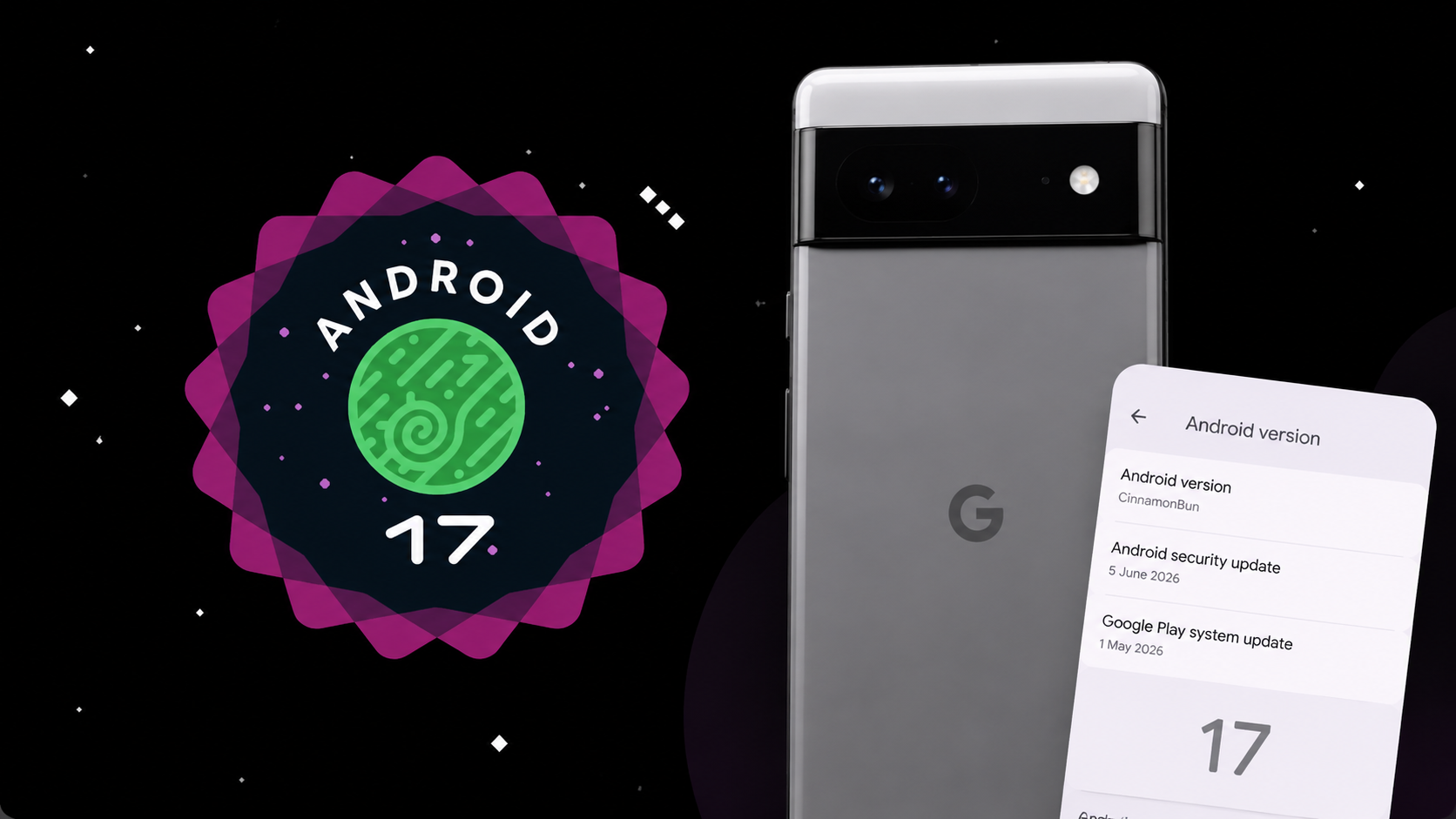
Performance Enhancements:
Beta 5 introduces some much-needed developer-focused optimizations, and you can absolutely feel it. Previous builds suffered from a frustrating graphics driver regression that caused noticeable frame drops in certain 3D apps and games. In my testing, that issue seems completely resolved. Gaming feels smooth again, and heavy multitasking between the camera, social media, and Chrome doesn't cause the device to choke.
Battery Impact:
Beta software is notorious for draining batteries, but QPR1 Beta 5 is surprisingly efficient. On my device, standby drain has significantly improved compared to Beta 4. I am easily getting through a full day of moderate-to-heavy use with about 15-20% left in the tank by bedtime. Google also patched a bug that was causing mismatched charging completion time estimates on the lock screen, making it much easier to know exactly when your phone will hit 100%.
Crucial Fixes: What Google Finally Resolved
This update was a massive bug-squashing mission. If you were frustrated by the glitches in Beta 4, you’ll be happy to know Google has addressed several high-profile issues:
Camera App Stutter: One of the most annoying bugs was the camera viewfinder temporarily freezing or stuttering right after launching it from an idle state. That is officially fixed, making quick shots reliable again.
Disappearing Widgets: If you rebooted your phone on Beta 4, you might have noticed your home screen widgets vanishing or completely missing from the widget picker. Beta 5 restores order to your home screen setup.
Game Dashboard Glitches: Power users and mobile gamers, rejoice! The bug preventing users from stopping screen recordings or successfully saving video files has been patched.
Always On Display Visual Glitch: A really strange bug that caused a pixelated bottom bar to freeze on the screen when waking the phone from the Always-On Display is finally gone.
Private Space Crashes: The UI crash affecting locked private apps within standard launcher search results has been resolved, tightening up device privacy and security.
Current Android 17 Bugs and Workarounds I Found
Even with all these fixes, no beta is perfect. The broader Android 17 release has introduced a few quirks that users are actively reporting across forums, and I've experienced a couple of them myself. Here is how I’m handling them on my own device:
1. Occasional Bluetooth Audio Drops
Some users, including myself, have noticed that Bluetooth audio can occasionally drop or go silent after a system interruption like an alarm or a timer going off.
The Fix: Simply pausing and playing the media again usually forces the audio routing to reconnect. If it’s being stubborn, toggling Bluetooth off and on from the Quick Settings fixes it instantly.
2. Quick Settings Data Toggle Delay
When pulling down the notification shade to toggle mobile data, there can sometimes be a slight UI delay or synchronization issue where the icon doesn't update immediately.
The Fix: Don't mash the button! Tap it once and wait a second. The system registers the touch, it just takes a moment for the visual animation to catch up.
3. Third-Party App Quirks
Because Android 17 introduces stricter background audio and memory limits, a few older apps might crash unexpectedly or fail to deliver notifications on time.
The Fix: Make sure all your apps are updated via the Play Store. If a specific app keeps dying in the background, go to Settings > Apps > [App Name] > Battery and change its usage to "Unrestricted." Just keep an eye on your battery life if you do this!
A Massive Warning Before You Install
If you are reading this and thinking about jumping onto the beta train, or if you are currently on it and want to get off read this carefully.
If you are already on Beta 5 and want to return to the public stable release of Android 17 without wiping your data, do not opt out right now! If you opt out of the beta program after installing Beta 5, your Pixel will trigger a mandatory factory reset to downgrade. Your best move is to stay put, wait for the official QPR1 stable release to arrive in a few weeks, and opt out then to keep all your photos, apps, and settings intact.
Final Thoughts
Android 17 QPR1 Beta 5 isn't about flashy new UI changes; it’s about making your Pixel reliable. The return of Pixel 6 support is a massive win for older device owners, and the sheer volume of stability fixes makes this one of the best beta updates we've seen this year.
Have you installed Beta 5 on your Pixel yet? Let me know your experience in the comments down below, and be sure to bookmark Techynoob so you never miss an update!
Subscribe to our YouTube channel for daily Android tips, tricks, and tutorials: TechyNoob
Discussion (0)
Post a Comment
No comments yet. Be the first to share your thoughts!