
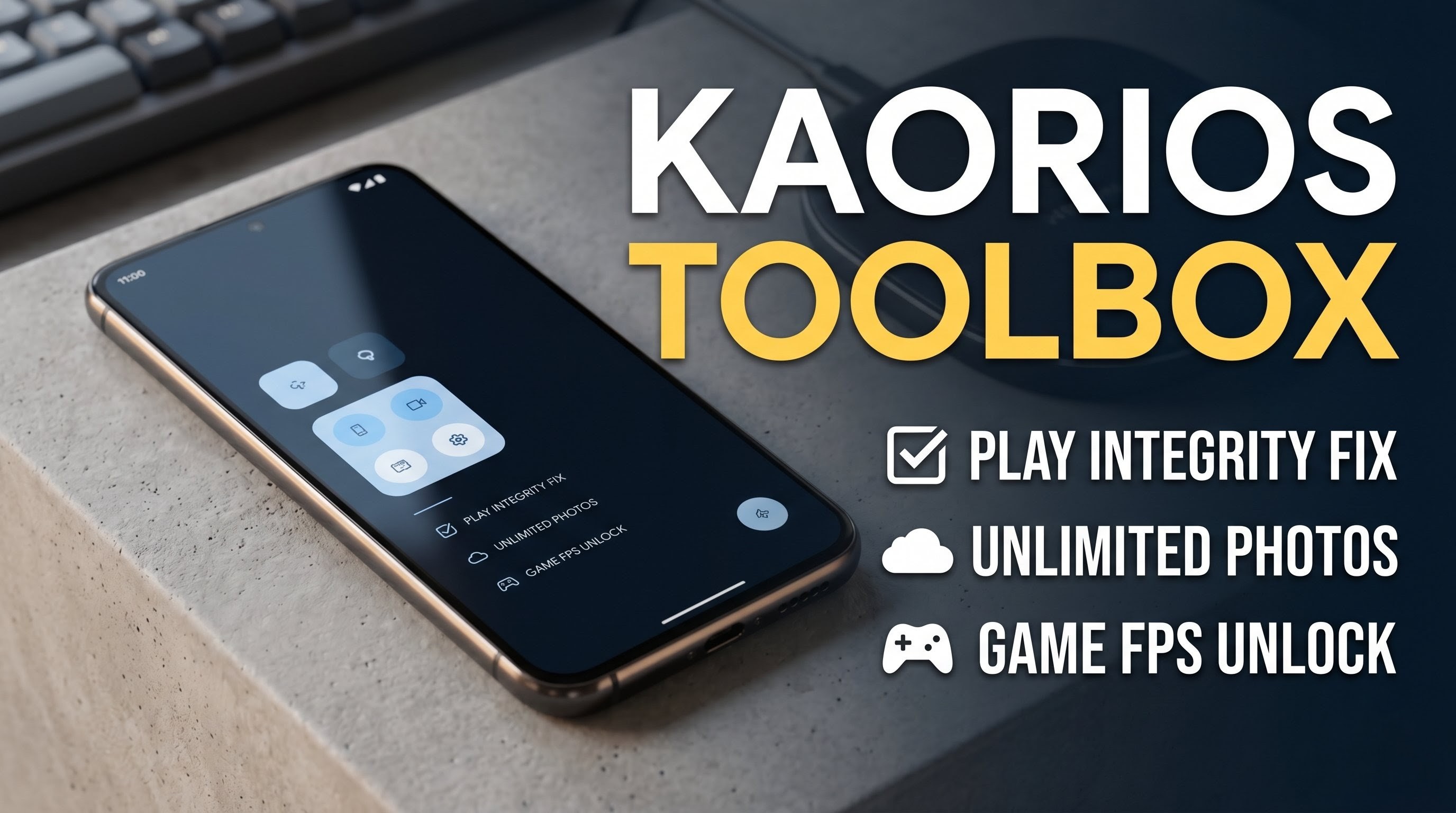
Welcome back to Techynoob! If you are someone who loves tinkering with your Android device, customizing your daily experience, or squeezing every single drop of performance out of your phone, you are in the right place. In the current landscape of device modification and system tuning, managing device properties, passing strict system integrity checks, and optimizing gaming performance can often be quite a headache. However, there is a powerful solution that simplifies all of this. Today, we are taking a deep dive into an absolutely essential utility for any Android power user out there: the Kaorios Toolbox.
This tool packs an incredible punch with a feature set designed to solve many common system modification and device management issues in one neat, easy-to-use package. It truly acts as the ultimate Swiss Army knife for your customized device. Let us explore what makes this application so popular and why you might want to add it to your daily driver.
What is Kaorios Toolbox?
Kaorios Toolbox is a comprehensive management application built specifically for users who want granular control over their Android system. Rather than relying on half a dozen separate modules, scripts, or applications to handle tasks like device property management, integrity fixes, and performance monitoring, this toolbox brings them all together under a single, unified interface.
It is lightweight, efficient, and designed to run without consuming unnecessary background resources or eating up your battery life. Whether you are trying to get your secure applications to work seamlessly on a customized operating system or you want to unlock the maximum potential of your high-refresh-rate display while gaming, this app provides the necessary tools to make it happen effortlessly.
Watch the full tutorial here on our Youtube channel:
Key Features of Kaorios Toolbox
Let us talk about what makes this toolbox so incredibly powerful and why it is gaining so much traction within the tech community. The feature set is tailored specifically for the modern power user.
- Robust Play Integrity Fix: For anyone running a heavily customized system, passing standard system integrity checks is absolutely crucial. This built-in feature ensures that your secure services, digital wallets, and banking applications run flawlessly without throwing errors regarding system status.
- Pixel & Properties Spoofing: This feature allows you to seamlessly alter your device's build properties. By doing so, you can manage exactly how your device identifies itself to the system, which can help in optimizing app compatibility.
- Per-App Spoofing Manager: Taking customization a step further, the toolbox offers a highly granular per-app spoofing manager. This gives you ultimate control over exactly what device information each individual app sees, providing a fully customized environment on an app-by-app basis.
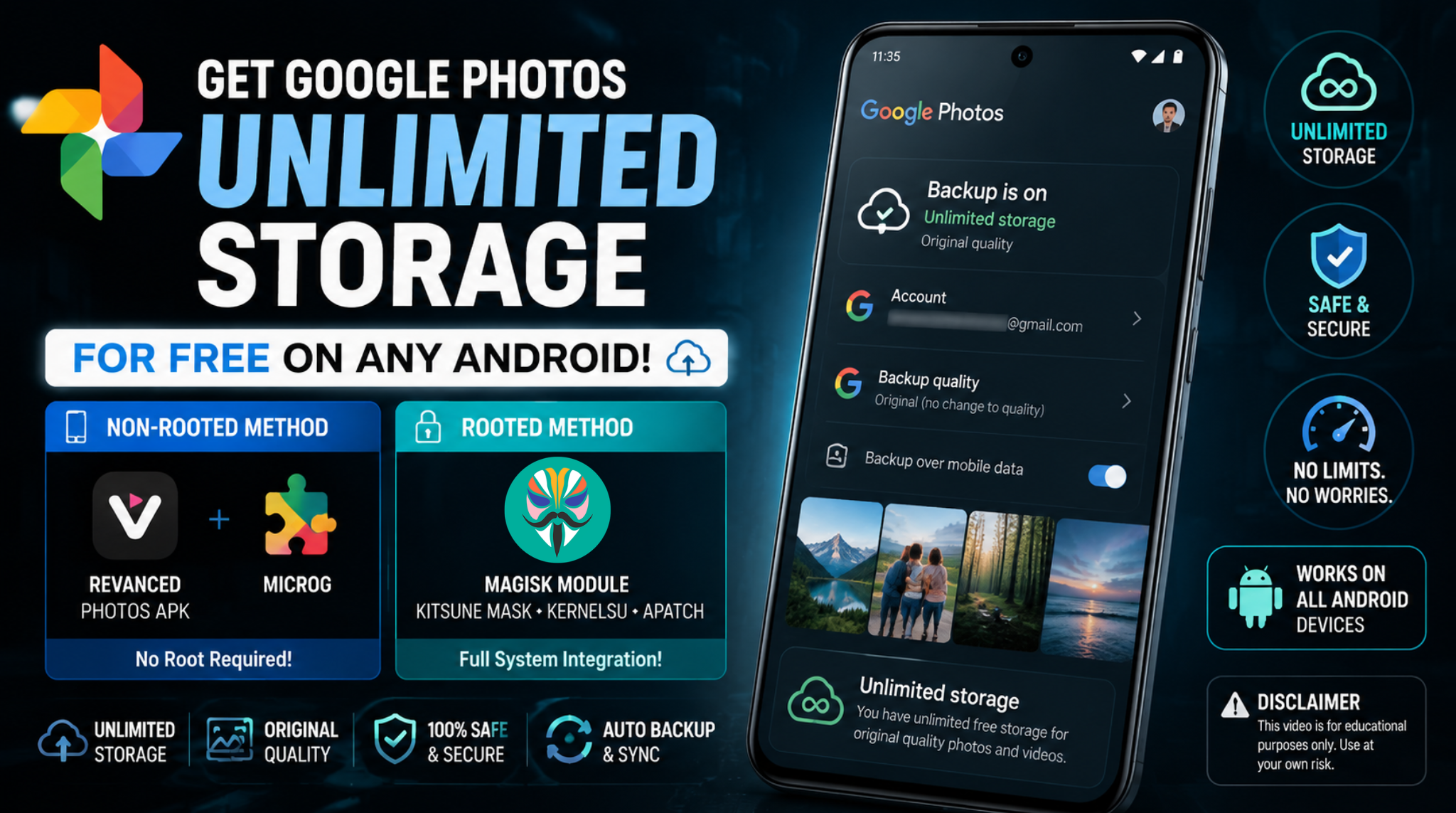
- Google Photos Unlimited Backup: For photographers and heavy social media users, this specific tweak enables Google Photos unlimited backup functionality. It is an absolute lifesaver that helps you manage your media library seamlessly.
- Payload Dumper Integration: If you are into system tweaking and managing system images, you will definitely appreciate the built-in payload dumper integration. It simplifies the complex process of extracting necessary files directly from firmware packages.
- Unlock High-FPS Modes: Mobile gamers will find this to be a complete game changer. The toolbox can unlock high frame rate modes in your favorite mobile games, allowing you to take full advantage of the smooth visuals provided by modern high-refresh-rate displays.
- Real-time Overlay Display: To complement the FPS tools, it provides a handy, customizable overlay display. You can actively monitor your FPS and CPU usage in real-time right on your screen, so you always know how your hardware is performing right in the middle of a match.
How to Install Kaorios Toolbox
Getting the application onto your device is a very straightforward process. The APK file is lightweight, meaning it will not take up much of your internal storage space. Here is a quick step-by-step guide to installing it on your device:
- Download the APK: First, ensure you have downloaded the latest Kaorios Toolbox APK file directly to your device's local storage.
- Open File Manager: Navigate over to your preferred file manager application on your phone.
- Locate the File: Open up the standard "Downloads" folder (or whichever specific directory you saved the file into). If you scroll through your files, you should clearly see the Kaorios Toolbox APK sitting right there.
- Initiate Installation: Tap on the APK file to get the installation process started.
- Confirm Permissions: The standard Android package installer will pop up on the screen, asking for the usual installation permissions. Simply hit the "Install" button.
- Complete Setup: Give it just a brief second to unpack the files. Once the installation is complete, the app is installed perfectly and ready to be opened.
Important Setup Note: While installing the APK gets the app on your phone, you are not quite finished yet. To actually utilize the advanced features mentioned above, you will need to import the necessary background files and configurations specific to your setup into the app. Once those required files are imported, you will be able to experience all the features working live.
Conclusion
That wraps up our comprehensive overview of the Kaorios Toolbox. It is an incredibly versatile utility that streamlines the entire customization experience for Android power users. If you are looking to optimize your setup, manage your device properties, and boost your gaming performance, this tool is definitely worth exploring. Stay tuned to Techynoob for more guides, app reviews, and tech insights!
Subscribe to our YouTube channel for daily Android tips, tricks, and tutorials: TechyNoob


Discussion (0)
Post a Comment
No comments yet. Be the first to share your thoughts!